

Did you know nearly 40% of digital images are thrown away because they’re blurry? That’s millions of memories lost because of a simple focus issue. I’ve spent years taking photos and know how frustrating it is to miss a perfect shot because it’s soft.
Achieving crisp images can turn a simple photo into a work of art. It takes steady hands and the right technical skills. I want to help you improve without spending a lot on new equipment.
Mastering your camera starts with the basics. Today, I aim to share some photo sharpness tips that are easy to use. These simple tweaks will make your photos stand out right away.
We’ll explore how to keep your camera steady and manage your settings well. I promise these five tips will change how you see your photos. Let’s get started and make your vision crystal clear.
Key Takeaways
- Use a sturdy tripod to eliminate any accidental camera shake.
- Select a fast shutter speed to freeze motion in your subjects.
- Always focus on the eyes when taking portraits of people.
- Choose a mid-range aperture to find your lens’s sweet spot.
- Clean your glass frequently to remove smudges and dust.
- Hold your breath while pressing the shutter to stay steady.
Understanding Photo Sharpness
Photo sharpness is key to taking clear and detailed pictures. As a photographer, knowing what makes an image sharp is vital. This knowledge helps improve image clarity and quality. Let’s explore the basics of photo sharpness, its importance, and the various types you’ll find.
What is Photo Sharpness?
Photo sharpness is about how clear and detailed an image is. A sharp photo shows its subject clearly, with little to no blur. Several things affect sharpness, like camera settings, lens quality, and the photographer’s skills.
Why It Matters in Photography
Sharpness is vital in photography because it affects the image’s quality and look. A sharp image shows professionalism and detail, which is key for professional photographers. It also makes the image more engaging for the viewer.
Types of Sharpness in Photos
There are different types of sharpness in photography, including:
- Optical sharpness, which depends on the lens and camera settings.
- Perceived sharpness, how sharp an image seems to the viewer, influenced by resolution and contrast.
- Local contrast, which changes how sharp an image looks by adjusting contrast between parts.
| Type of Sharpness | Description | Influencing Factors |
|---|---|---|
| Optical Sharpness | Determined by lens and camera settings | Lens quality, aperture, shutter speed |
| Perceived Sharpness | Affects how sharp an image appears | Resolution, contrast, image processing |
| Local Contrast | Enhances sharpness through contrast adjustment | Editing techniques, image processing software |
Essential Camera Settings for Sharp Images
Sharp images start with the right camera settings. I’m here to guide you through the essentials. Understanding how to adjust your camera’s settings is key for crisp, clear photos.
Using the Right Shutter Speed
Shutter speed is key for sharp images. A fast shutter speed freezes moments and avoids blur from motion. For handheld shots, a minimum shutter speed of 1/125s is recommended to reduce camera shake.
- Use faster shutter speeds (1/500s or faster) for capturing fast-moving subjects.
- For slower subjects, you can use slower shutter speeds, but be mindful of camera shake.
- When shooting in bright conditions, you can easily achieve fast shutter speeds.
Adjusting Aperture for Clarity
Aperture, or f-stop, controls light and depth of field. Adjusting the aperture impacts image sharpness. A smaller f-stop value (e.g., f/2.8) means a larger aperture, creating a shallow depth of field.
For sharper images with a larger depth of field, use a higher f-stop value (e.g., f/8 or f/11). But, be cautious of diffraction, which can soften images at very high f-stop values.
Key aperture tips:
- Use a lower f-stop for portraits to blur the background.
- Opt for a higher f-stop for landscapes to keep more of the image in focus.
ISO Settings and Their Impact
ISO settings determine your camera’s sensitivity to light. A lower ISO (such as ISO 100) is best for bright lighting and results in less noise. Higher ISO settings (such as ISO 6400) are useful in low light but can introduce noise, potentially reducing sharpness.
To achieve sharper pictures, keep the ISO as low as possible. If shooting in low light, use a tripod or increase the aperture to let more light in, instead of raising the ISO.
- Use the lowest ISO possible for the given lighting conditions.
- Increase ISO when necessary, but be aware of the increased noise.
- Post-processing techniques can help reduce noise in high ISO images.
The Role of Lenses in Image Sharpness
Lenses are key in photography, affecting how clear your photos are. I always pick the right lens for the job. It makes a big difference in photo quality.
How Lens Quality Affects Sharpness
The lens’s quality is vital for sharp images. A top-notch lens reduces distortions and ensures clear photos. But, a low-quality lens can cause softness and distortion, spoiling your shot.
I look for sharp and clear lenses. Prime lenses, for example, are known for their sharpness. Getting a good lens is a big step in sharpening your photography skills.
Choosing the Right Focal Length
The focal length of your lens affects image sharpness. Different lengths are better for different photos. Wide-angle lenses are great for landscapes, while telephoto lenses are best for distant subjects.
Choosing the right focal length helps you get sharper photos. It’s about knowing your lens’s strengths and using them well. This way, you get sharp and well-composed images.
Keeping Lenses Clean for Optimal Performance
Keeping your lenses clean is key for their performance. Dust, smudges, and fingerprints can dull your photos. So, clean your lenses often.
I always carry a lens cleaning kit. I check my lenses before and after each shoot. Clean lenses mean sharper photos every time.
Using Tripods and Stabilizers for Steady Shots
For photographers looking to improve their photos, a tripod or stabilizer is key. Camera stability is vital, mainly in dim light or slow shutter speeds. A good tripod or stabilizer can greatly improve your image sharpness.
Benefits of a Tripod for Sharp Images
A tripod gives your camera a stable base. This lets you use slower shutter speeds without camera shake. It’s perfect for dim light where fast shutter speeds are hard to use. You can also take many shots and merge them later for better quality.
Ansel Adams once said, “You don’t take a photograph, you make it.” A tripod helps you control your photography, letting you create the image you want.
“The best camera is the one you have with you, but the best shot is the one you take with a tripod.”
Types of Tripods: Which is Best for You?
There are many types of tripods, each with its own benefits. Here are a few common ones:
- Standard tripods: These are versatile and work for many photography types.
- Travel tripods: These are light and compact, great for photographers on the move.
- Tabletop tripods: These are small and perfect for macro, product, or close-up shots.
| Tripod Type | Best For | Key Features |
|---|---|---|
| Standard | General photography | Versatile, sturdy |
| Travel | Traveling photographers | Lightweight, compact |
| Tabletop | Macro, product photography | Small, flexible |
Other Stabilization Tools to Consider
While tripods are great, they’re not the only way to get steady shots. Other tools include:
- Monopods: These offer extra support when a tripod is not practical.
- Gimbals: Handheld stabilizers that keep your camera steady.
- Image stabilization lenses or cameras: Some have built-in stabilization to reduce shake.
Using these tools can greatly improve your photo quality and make your images sharper.
Post-Processing Techniques for Enhancing Sharpness
Using the right post-processing techniques can greatly improve photo sharpness. This step is key to making your photos look their best.
First, pick the right software for editing. There are many options, each with its own tools and features.
Software Options I Love
Adobe Lightroom and Photoshop are top choices for sharpening photos. They have advanced tools to make your images crisp and clear.
Skylum Luminar and Capture One are also great. They offer a variety of editing tools to enhance photo sharpness.
| Software | Key Features | Price |
|---|---|---|
| Adobe Lightroom | Advanced sharpening tools, noise reduction | $9.99/month |
| Adobe Photoshop | Advanced editing tools, sharpening filters | $20.99/month |
| Skylum Luminar | AI-powered editing tools, sharpening filters | $69.00 (one-time purchase) |
Basic Sharpening Techniques in Editing
Sharpening photos requires a few basic techniques. Remember, sharpening should be done carefully to avoid over-sharpening.
The “Unsharp Mask” filter in Adobe Photoshop is a good starting point. It lets you adjust sharpening levels to get the right effect.
The “Smart Sharpen” filter is also useful. It sharpens your image while reducing noise.
Avoiding Over-Sharpening: My Tips
Over-sharpening can harm your image quality. Sharpening should be done subtly and with care.
Zoom in to 100% when sharpening. This helps you see the sharpening effects more clearly.
Use the “Compare” feature in your software. It lets you see the original and sharpened images side by side. This helps you avoid over-sharpening.
Composition Tips to Enhance Sharpness Perception
Getting sharp images isn’t just about settings. Composition is key to making your photos pop. Using certain techniques can make your images look crisper and more engaging.
Leading Lines and Depth of Field
Leading lines help guide the viewer’s eye to your subject. These can be anything continuous in the scene leading to your main subject. Pairing them with depth of field adds depth, making your image more compelling.
Using a shallow depth of field blurs the background. This makes your subject stand out, giving a sharper look. Learn more about composition in my definitive guide to photography composition.
| Composition Technique | Effect on Sharpness Perception | Example |
|---|---|---|
| Leading Lines | Guides the viewer’s eye, enhances focus on the subject | Road leading to a mountain |
| Depth of Field | Creates dimensionality, isolates the subject | Portrait with blurred background |
| Framing | Directs attention to the subject, adds context | Archway framing a landscape |
Framing Your Subject for Maximum Impact
Framing is a powerful technique to enhance sharpness. Using natural or man-made frames around your subject draws attention. This adds depth and helps focus the viewer’s eye.
The Importance of Background Clarity
The background greatly affects your subject’s sharpness. A busy background can make your subject less clear. Ensure the background is simple. Adjusting the aperture or shooting at an angle can improve sharpness.
Mastering these techniques can make your images more appealing. They will engage your audience more effectively.
Lighting Conditions and Their Effect on Sharpness
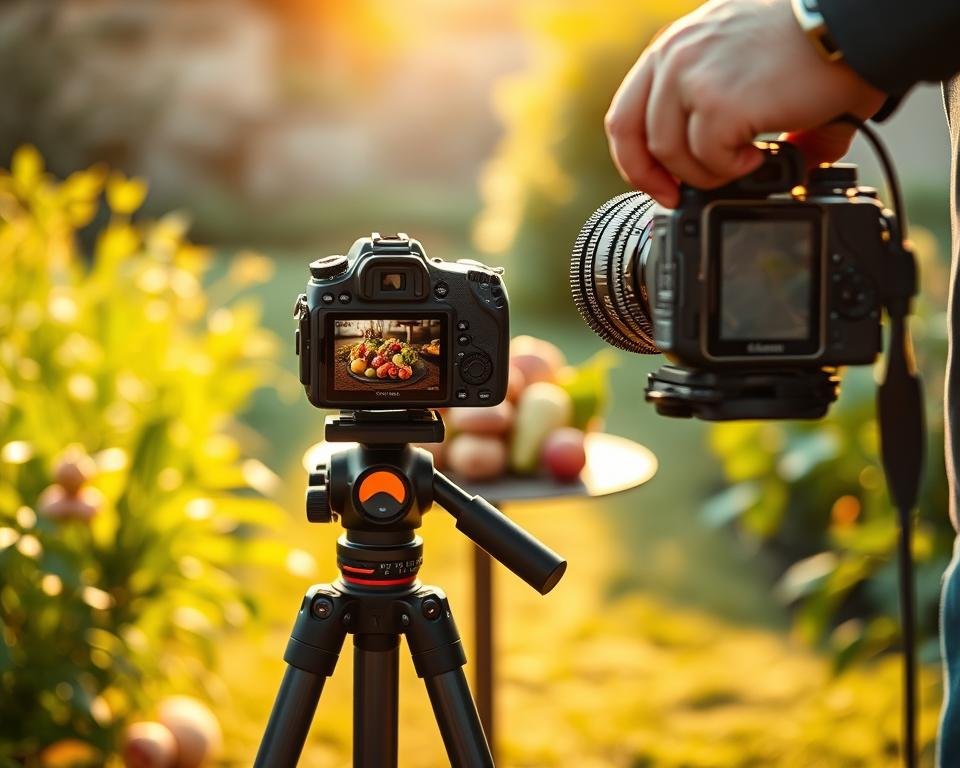
Mastering different lighting conditions is key to taking clear photos. The right light can make your photos sharp and high quality.
Natural Light vs. Artificial Light
Natural light, like during the golden hour, adds a soft, warm glow. This can bring out the details in your photos. Artificial light, from lamps or flashes, gives you more control. It lets you create various effects in your photos.
Comparison of Natural and Artificial Light:
| Characteristics | Natural Light | Artificial Light |
|---|---|---|
| Source | Sunlight | Lamps, Flashes |
| Color Temperature | Varies (e.g., golden hour) | Adjustable |
| Control | Limited | Highly Controllable |
| Effect on Sharpness | Generally Enhances | Can Enhance or Detract |
Tips for Shooting in Low Light Situations
Low light can be tough, but there are ways to get sharper photos. A tripod is key to avoid camera shake. Also, lenses with a wide aperture (like f/1.4 or f/2.8) let in more light. This means you can use lower ISO settings and avoid noise.
Here are some tips for sharper photos in low light:
- Use a tripod to stabilize the camera.
- Opt for lenses with a wide aperture.
- Increase the ISO carefully to avoid noise.
- Use image stabilization if available.
Best Times of Day for Sharp Images
The time of day greatly impacts your photos. The golden hour, just after sunrise and before sunset, is perfect for sharp, well-lit images.
During the golden hour, the light is soft and warm. This light makes your subjects’ details and textures stand out. Your photos will look sharper and more appealing.
The Impact of Distance on Photo Sharpness
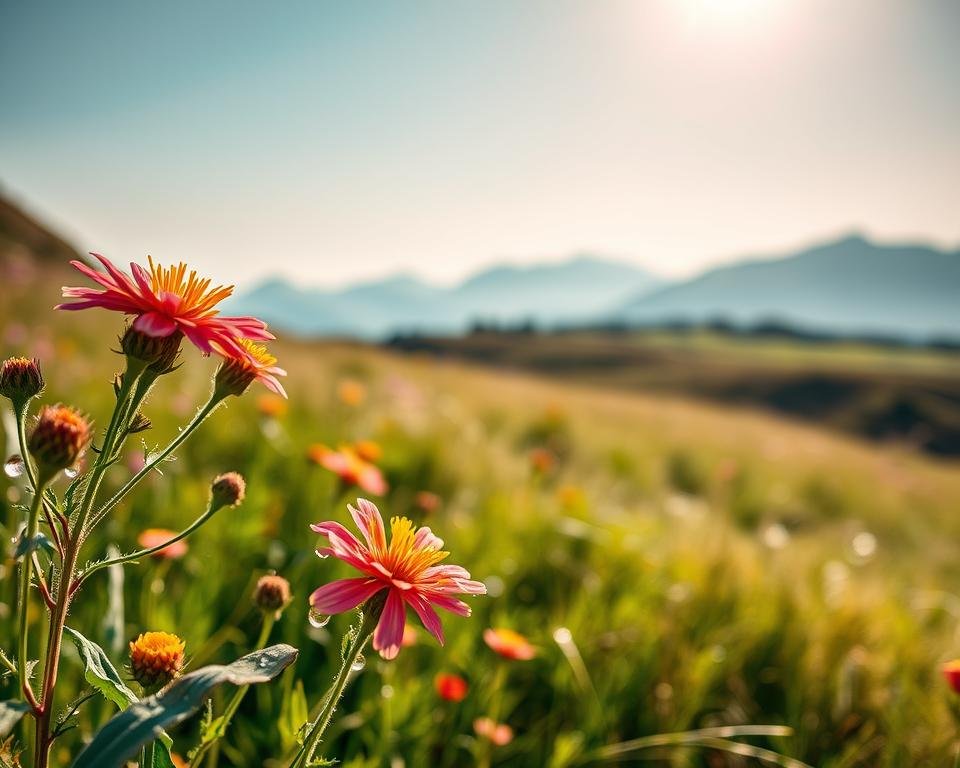
Knowing how distance affects photo sharpness is key for photographers. It helps them enhance their picture quality and sharpening photography skills. The distance between your camera and subject greatly impacts the image’s clarity.
It’s important to understand how distance affects sharpness. Being too close or too far can cause a loss of detail or blur.
How Close Should You Get to Your Subject?
The right distance to your subject varies based on your photography type and equipment. For macro photography, you need to be close to capture details.
But, being too close can sometimes make images blurry due to lens limits or minimum focusing distance.
Understanding Minimum Focusing Distance
Every lens has a minimum focusing distance. Knowing this is key for sharp images, mainly in close-up shots.
Getting too close can make images blurry because you’re beyond the lens’s focus limit.
Techniques for Shooting from a Distance
Shooting from far away can be tough, but there are ways to get sharp images. Using a longer focal length lens helps capture distant subjects clearly.
Also, image stabilization or a tripod can reduce camera shake. This ensures sharper images, even from a distance.
Mastering distance in photography can greatly improve your skills. You’ll capture images that are crisp and clear.
Common Mistakes That Reduce Photo Sharpness
Even with top-notch camera gear, simple mistakes can make photos blurry. It’s key to know what these mistakes are. Getting sharp images isn’t just about the right gear; it’s also about avoiding common pitfalls.
Overlooking Focus Points
Ensuring your focus points are set right is critical for sharp images. When using autofocus, it’s easy to miss the focus points. Make sure to check your focus points to keep your subject sharp.
Camera Shake: Causes and Solutions
Camera shake can make photos blurry. It’s caused by hand movement or low light. Using a tripod or stabilizer helps a lot. Also, holding your breath and pressing the shutter button softly can help.
Ignoring Optimal Aperture Settings
The aperture setting is vital for the right depth of field and sharpness. Not using the best aperture can make photos blurry or have the wrong depth. Knowing how to use aperture is essential for sharp images.
| Mistake | Solution |
|---|---|
| Overlooking Focus Points | Double-check focus points, use manual focus if necessary |
| Camera Shake | Use a tripod or stabilizer, practice good hand-holding techniques |
| Ignoring Optimal Aperture Settings | Understand and adjust aperture for desired depth of field |
Knowing these common mistakes and how to avoid them can greatly improve your photo sharpness.
Experimenting with Different Techniques
Trying out various photography techniques has really helped me get sharper pictures. I’ve learned what works best in different situations.
Manual Focus vs. Autofocus: My Thoughts
Choosing between manual focus and autofocus is a big decision for me. Manual focus gives me more control over what’s sharp. But autofocus is quick and easy, perfect for moving subjects.
For portraits, autofocus with a single-point AF setting works great. It helps me quickly focus on my subject’s eyes. But for landscapes, I prefer manual focus. It ensures the whole scene is sharp.
“The camera is an instrument that teaches people how to see without a camera.” – Dorothea Lange
Trying Various Shooting Angles
Changing my angle can make a big difference in my photos. Experimenting with different vantage points helps me find the best shot.
- Low or high angles add depth to my images.
- Moving around my subject helps me avoid clichés.
- Using different angles keeps my photos fresh.
Using Filters for Unique Effects
Filters are a great tool in my photography kit. They help me get unique effects that make my photos sharper. For example, a polarizing filter reduces glare and boosts colors. A neutral density filter lets me use a wider aperture or slower shutter speed.
| Filter Type | Effect | Use Case |
|---|---|---|
| Polarizing Filter | Reduces glare, enhances colors | Landscape, outdoor photography |
| Neutral Density Filter | Allows for wider aperture or slower shutter speed | Portrait, creative blur effects |
| Graduated Neutral Density Filter | Balances exposure between sky and land | Landscape photography |
By using these techniques, my photos have gotten much sharper. Whether it’s manual focus, new angles, or filters, I’m always looking to improve.
Final Thoughts on Achieving Photo Sharpness
Getting sharp, clear photos takes time and effort. By using the tips I shared, you can make your photos clearer. This will help you improve your photography skills.
Key Takeaways
I’ve talked about ways to make your photos sharper. This includes knowing your camera settings, choosing the right lens, and using tripods. You can also enhance your photos later using editing software.
Continuing the Journey
To get even better, try new techniques and be inspired by other photographers. Check out Adobe for new editing tools and tutorials. This will help you grow as a photographer.
Mastering the Art
Improving photo sharpness is a journey. Keep practicing and learning. This way, you’ll keep getting better and take amazing photos that show your unique style.