
Did you know that people upload over 3.2 billion photos to social media every day? In today’s digital world, blurry or cluttered photos just don’t work. First impressions are key when we share our lives or work online.
Getting a clean and professional look starts with a good image editing tool. A messy background can ruin an amazing photo. It makes the image feel chaotic instead of sharp.
That’s why I use this background removal app to refine my photos. It uses smart tech to handle tricky edges like hair or fur easily. It turns simple snaps into studio-quality images in seconds.
Whether you’re making custom stickers or professional headshots, the right software makes all the difference. I’ll show you which features are most important for your creative needs. Let’s explore how to enhance your photos at zero cost.
Key Takeaways
- High-precision AI creates perfect cutouts with zero pixel damage.
- One-click automatic mode works for people, pets, and even anime.
- Manual tools allow you to erase or repair details for total control.
- Generate unique backdrops by describing any scene you imagine.
- Export your work as transparent PNGs or ready-to-use social media assets.
- Enjoy professional editing features completely free of charge.
Understanding Background Removal Apps
Removing backgrounds from images is a common challenge. Luckily, many apps make this task easier. These apps are a type of photo editing software. They help users remove backgrounds from images, allowing the subject to be used in different ways.
What is a Background Removal App?
A background removal app uses advanced algorithms to separate an image’s subject from its background. This results in a transparent or cut-out image. Such images can then be placed on different backgrounds. These apps are also called transparent background creators.
Why Use a Background Removal App?
Background removal apps make editing easier. They save time and effort by automating the complex task of background removal. They are great for those who are not experts in photo editing.
Various Use Cases for Background Removal
Background removal apps have many uses. They are used in e-commerce to create product images without backgrounds. In graphic design, they help combine images. They also enhance portraits in photography.
These apps are useful for creating personalized gifts, social media graphics, and marketing materials.
Key Features to Look For
When picking a background removal app, look for key features for the best results. A good tool should be efficient, easy to use, and fit different needs.
User-Friendly Interface
A user-friendly interface is key for a background removal app. It makes it easy to use and get the results you want without hassle. An app that’s easy to understand is great for everyone, even those not tech-savvy.
An app with a clean design, clear steps, and no clutter is best. This is super important for those who need to remove backgrounds fast, like online sellers or social media managers.
AI-Powered Technology
AI-powered technology changes the game in background removal apps. AI can spot the subject in an image and separate it from the background with great accuracy. This makes the process faster and the results better.
An AI background remover works well with complex images, like those with lots of details or transparent parts. This is a big plus for professionals who need top-notch images for their work.
Customization Options
Customization options are also very important in a background removal app. Being able to tweak settings like edge detection, background blur, or color can help you get the look you want. Customization lets you be more creative and flexible with your images.
For example, some apps let you swap the background with another image or color, or refine the edges of the subject. These features are great for creative pros who need to match their images to specific styles or brands.
My Top Picks for Background Removal Apps
I’ve tried many background removal tools and picked my favorites. These apps are great at removing backgrounds from images. They’re perfect for different uses.
Adobe Photoshop
Adobe Photoshop is a top choice for image editing. It’s known for its excellent background removal tools. The Magic Wand and Select and Mask workspaces help users get precise results.
Adobe Photoshop shines with complex images. The Select and Mask workspace is great for images with lots of details. It makes fine adjustments easy.
remove.bg
remove.bg is an online tool for automatic background removal. It’s easy to use and produces great results. Just upload your image, and the AI does the rest.
This tool is perfect for quick background removal without losing quality. It’s also great for those new to image editing.
Canva
Canva is a well-known graphic design platform with a background removal tool. It’s not as advanced as Adobe Photoshop but works well for most needs. It’s also easy to use, even for those new to image editing.
| App | Ease of Use | Quality of Output | Additional Features |
|---|---|---|---|
| Adobe Photoshop | Moderate | High | Advanced image editing tools |
| remove.bg | Easy | High | Automatic background removal |
| Canva | Easy | Good | Graphic design capabilities |
Each app has its own strengths. They cater to different needs. Whether you’re a pro or just starting, there’s an app here for you.
Comparing Free vs. Paid Options
Background removal apps come in free and paid versions. Each has its own benefits and drawbacks. It’s important to think about what you need for your project.
Advantages of Free Apps
Free apps are great for beginners or those on a tight budget. They let you try out background removal without risk. Apps like remove.bg can do a good job for simple projects or personal use.
Free apps are also good for occasional use. They save time and effort compared to manual editing.
Disadvantages of Free Apps
Free apps have some big downsides. They might put watermarks on images, limit resolution, or block advanced features. For professional work, these issues can be a big problem.
Free apps might not always get it right, which can mean more editing time. This is true for complex images.
When to Consider Paid Apps
Paid apps, like Adobe Photoshop, offer more features and better quality. They’re best for professionals who need top-notch results. Paid apps have tools for fine-tuning, making your work look professional.
If you work with images a lot or need high-quality background removal, a paid app is worth it. The better features and results can really improve your work.
How Background Removal Enhances My Projects
Working with background removal has really improved my project quality. A good image editing tool makes my work look much better.
One big plus is how it boosts professionalism. A well-edited image can greatly improve a project’s look.
Improved Professionalism
Removing backgrounds with a photo editing software makes my visuals clean and focused. This is key in professional settings where image quality is everything.
- Enhances the overall appearance of the project
- Helps in creating a polished and refined look
- Improves the perception of quality
Consistency in Branding
Another big plus is keeping branding consistent. Removing backgrounds ensures all images match the brand’s look.
This consistency is key for a strong brand image. It helps in:
- Establishing a recognizable brand aesthetic
- Enhancing brand recall
- Projecting a unified visual message
Overall, using background removal has been a game-changer for my projects. It makes them look more professional and consistent.
Tips for Using Background Removal Apps Effectively
To get the most out of background removal apps, it’s key to know how to prepare and export images. By following these tips, you can make sure your images are processed well. This leads to high-quality results.
Best Practices for Image Preparation
Getting your images ready right is key for good results with background removal apps. Here are some tips to help:
- Use high-resolution images for better accuracy.
- Ensure the subject is well-lit and stands out from the background.
- Avoid images with complex or intricately detailed backgrounds.
- Use images with a clear distinction between the subject and the background.
By following these best practices, you can improve the quality of the background removal output. For more advanced techniques, check out background generator tools to enhance your workflow.
Saving and Exporting Images
After removing the background, saving and exporting the image in the right format is key. Here are some tips:
- Save your image in a format that supports transparency, such as PNG.
- Adjust the export settings according to your needs, such as resolution and color depth.
- Consider using a transparent background creator tool to fine-tune the output.
- Use a remove background tool that allows you to adjust the output quality and format.

By saving and exporting your images correctly, you can make sure they’re ready for various uses. This includes web design and print media.
Troubleshooting Common Issues
Even the best AI background removers can face problems like low-quality images and unwanted artifacts. I’ve worked a lot with these apps and know the common issues. Here, I’ll share tips to solve these problems.
Handling Low-Quality Images
Low-quality images can really mess up a background remover’s work. It’s key to know what your app can handle.
Improving Image Quality before you start can help a lot. Use the highest resolution image you can. If that’s not possible, edit the image to boost brightness, contrast, and sharpness.
- Use the highest resolution image available.
- Adjust brightness, contrast, and sharpness.
- Consider using photo editing software to enhance the image.
Dealing with Unwanted Artifacts
Artifacts can be a big problem with AI background removers. They can be leftover background parts or distortions around the subject.
Refining the Output is key. Most apps have tools to fix edges and remove artifacts. For example, the ‘Refine Edge’ tool can be very helpful.
To cut down on artifacts, prepare your image well before you start. Make sure the subject is clear against the background. Also, use a high-quality original image.
Frequently Asked Questions
I’ve put together a list of common questions about background removal apps. I’ve worked with these tools a lot. I know how important it is to have clear and accurate info.
How Accurate Are Background Removal Apps?
Background removal apps have gotten much better thanks to AI-powered technology. Apps like remove.bg can now split images into foreground and background well. But, how well they do it depends on the image quality and the app used.
Can I Use Background Removal Apps on My Phone?
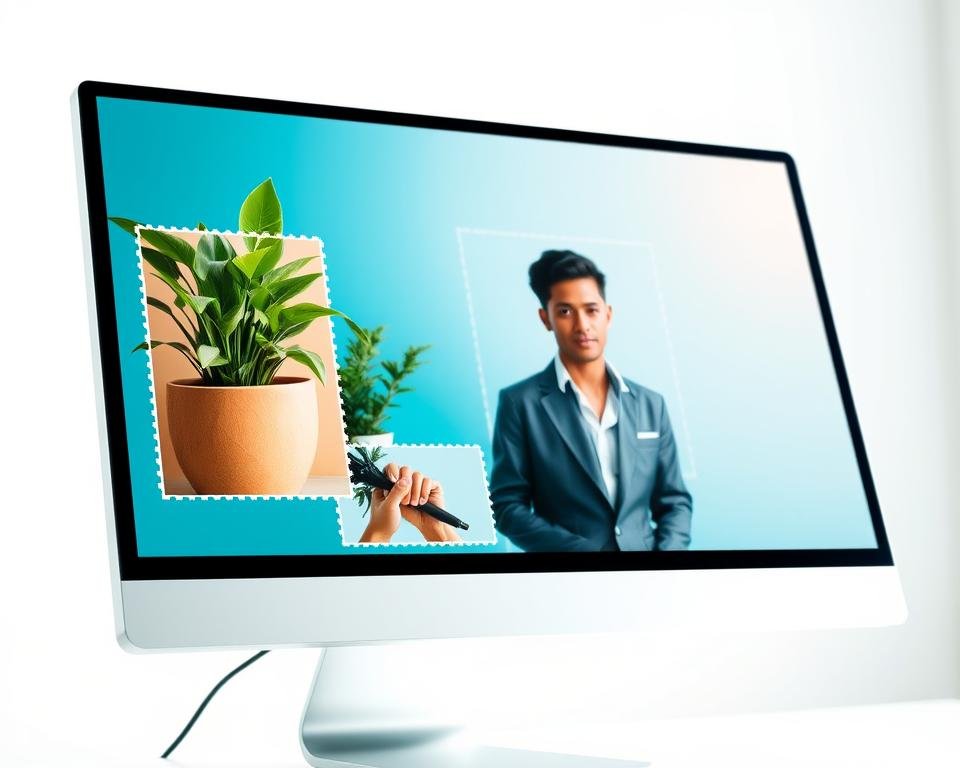
Yes, you can use background removal apps on your phone. Canva and Adobe Photoshop Express are great examples. They have online photo editor features that include background removal. These apps are easy to use on both Android and iOS.
When picking a background removal app for your phone, look at its features and how easy it is to use. Some apps might have more advanced tools or better results. So, it’s a good idea to try a few to find the best one for you.
Final Thoughts on Choosing the Right App
Choosing the right background removal app is key to your image editing success. We’ve seen many apps with different features and benefits.
Evaluating Your Needs
First, think about what you need. Look at the images you edit and how much editing they need. For easy edits, Canva might work well. But for complex edits, Adobe Photoshop or remove.bg could be better.
Making an Informed Decision
When picking an app, think about AI, customization, and device compatibility. These factors help you find the perfect app for your needs. This way, you can improve your image editing skills.