


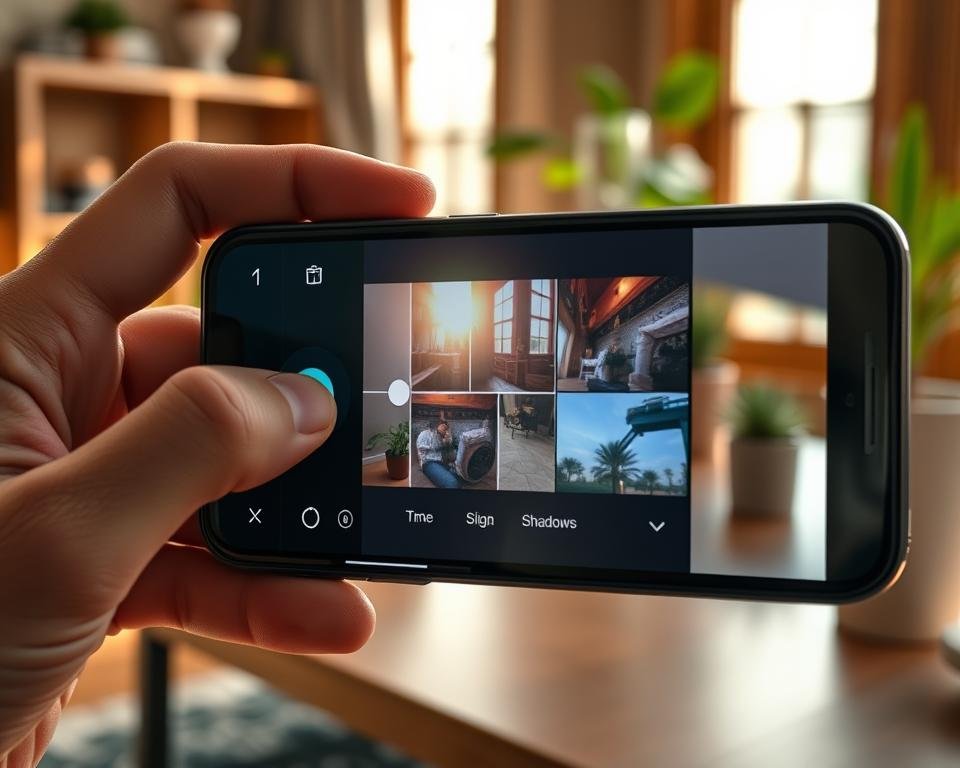
Did you know nearly 1.8 trillion images are taken every year? Yet, many struggle with harsh lighting. I used to get upset when sunny photos had dark corners.
It seemed hard to capture what I saw without losing details. My quest for better shadow control started with trial and error.
Learning to manage shadows on mobile devices is about understanding light. If you want to take great photos, you need to fix dark spots.
I’ll share how I fixed these problems. It’s easier than you think with the right tricks. It completely changed how I see every photo. This guide will make you a pro at taking photos.
Key Takeaways
- Use HDR for balanced exposure in bright scenes.
- Adjust manual settings for better precision.
- Tap the screen to adjust brightness levels manually.
- Stabilize the device for clearer dark areas in low light.
- Edit images to reveal hidden details in darker spots.
- Practice regularly to improve your technical skills.
Understanding Shadows in Photography
In smartphone photography, shadows are more than just dark spots. They are tools for making images look great. Learning about shadows is key to taking amazing photos.
Shadows add depth and emotion to photos. They can make a scene mysterious or show off a subject’s shape. Shadows can change a photo’s mood a lot.
The Role of Shadows in Images
Shadows are important in photography because they add contrast. Contrast makes photos interesting. Without shadows, photos might look flat.
For example, in portraits, shadows can highlight a person’s features. A shadow can make a face look more defined and interesting.
How Lighting Affects Shadows
Lighting greatly influences shadows in photos. The type, direction, and strength of light all play a part. Natural and artificial light, as well as the time of day, can change shadows a lot.
The golden hour, just before sunset, has soft, warm light that makes long shadows. On the other hand, midday sun creates harsh, short shadows.
Knowing how lighting affects shadows is essential for controlling shadows in smartphone photos. By adjusting to the light or changing it, photographers can get the look they want.
| Lighting Condition | Shadow Effect | Best Use |
|---|---|---|
| Natural Light (Golden Hour) | Soft, long shadows | Portrait, landscape photography |
| Artificial Light (Indoor) | Controlled, variable shadows | Studio photography, product photography |
| Midday Sun | Harsh, short shadows | Documenting details, high-contrast scenes |
By mastering shadows, smartphone photographers can improve their skills. They can make photos that are not just pretty but also touch the heart.
Exploring Smartphone Camera Capabilities
Smartphones have become powerful tools for photography. They offer features that help you control shadows better.
First, get to know your smartphone’s camera settings. Most phones have advanced features for exposure, contrast, and shadow detail.
Camera Settings for Shadow Control
To control shadows, understand and adjust your camera’s settings. Here are important settings to check:
- Exposure Compensation: This setting balances light in your image, reducing harsh shadows or bright highlights.
- ISO Settings: Use lower ISOs for bright light and higher ISOs for low light, but watch for noise.
- HDR Mode: High Dynamic Range mode captures a wider range of tonal values, improving shadow detail.

Try these settings to manage shadows better. HDR mode, for example, keeps detail in both bright and dark areas.
Using Editing Apps for Better Results
Editing apps are key for better shadow control. Many apps offer tools to adjust shadows and highlights.
Here are some top editing apps for shadow control:
- Adobe Lightroom: It has powerful tools for adjusting exposure, contrast, and shadow detail.
- Snapseed: Offers tools to selectively adjust shadows and highlights.
- VSCO: Known for filters, VSCO also has editing tools for shadow detail.
Using the right camera settings and these apps, you can control shadows in your smartphone photos.
Techniques for Capturing Shadows Creatively
Shadows can make or break a photo. Learning to capture them creatively is a game-changer. As I improved my smartphone photography, I found that understanding shadows was key. It adds depth and emotion to images.
By mastering shadow control, you can significantly improve smartphone photography results.
Utilizing Natural Light
Using natural light is a great way to capture shadows creatively. The golden hour, just before sunset, offers soft, warm light. This light creates long, interesting shadows.
I often take my smartphone to capture the light and shadow during this time. I experiment with different compositions to get the desired effect.
Natural light isn’t just for the golden hour. Overcast days provide soft, diffused light. This light reduces harsh shadows, allowing for more subtle shadow play in your photos.
By understanding how to work with different lighting conditions, you can achieve better shadow reduction in photos. This enhances the overall quality of your images.
Experimenting with Angles
Experimenting with different angles is another technique for capturing shadows creatively. Changing your vantage point can dramatically alter the shadows in your scene. For instance, shooting from a low angle can make shadows appear longer and more dramatic.
This adds a sense of mystery to your photos.
I encourage you to get creative and try out different perspectives. Climb stairs, crouch low, or even lie down to capture unique shadow patterns. This experimentation will not only enhance your photography skills but also help you develop a keen eye for detail.
Using HDR Mode Effectively
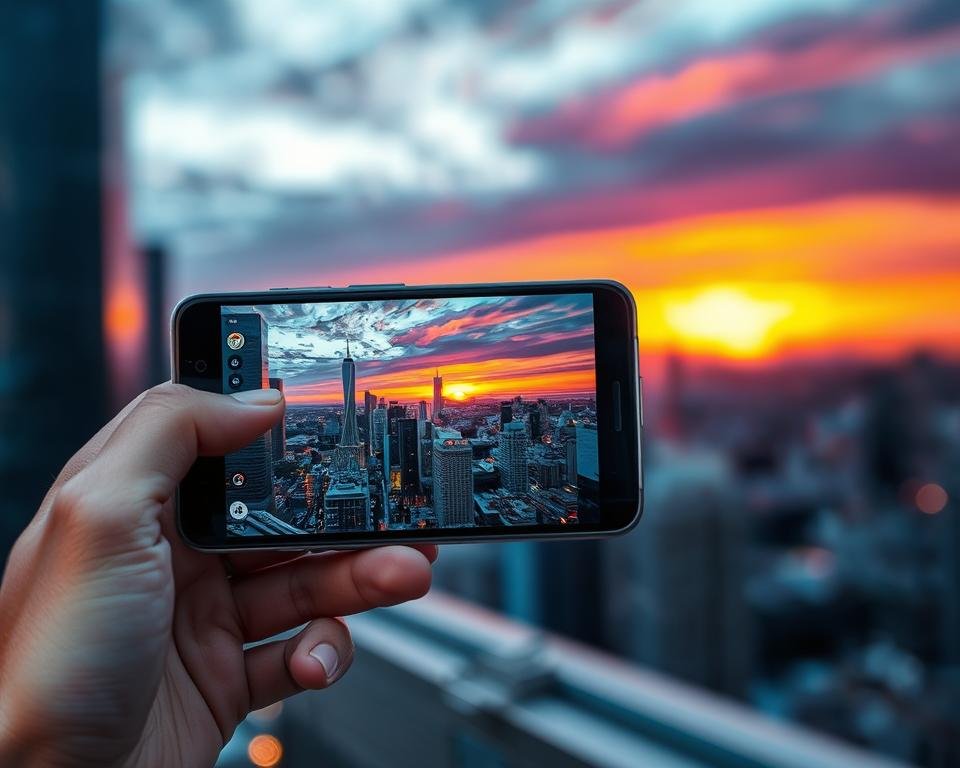
HDR mode makes your smartphone photos better by improving shadows. It takes several images at different exposures and merges them. This balances the light in your photos, showing details in both bright and dark spots.
To get the most from HDR mode, it’s key to know what it is and how it works. HDR stands for High Dynamic Range. It’s a way to capture more tonal values in an image.
What is HDR and How Does it Work?
HDR mode takes multiple shots at different exposures and combines them. This creates a detailed image with better contrast and color. The result is a photo that looks more like what we see with our eyes.
When you use HDR mode, your phone takes several images. These include shots that are underexposed and overexposed, and sometimes shots in between. The phone then merges these images. It picks the best parts of each to make a photo that’s balanced and detailed.
When to Use HDR for Shadow Control
Knowing when to use HDR mode can really boost your smartphone photos, mainly in tough lighting. Here are some times when HDR mode is super helpful:
- High contrast scenes: When there’s a big difference between the brightest and darkest parts of the scene.
- Backlit subjects: When your subject is lit from behind, HDR can balance the exposure. It brings out details in both the subject and the background.
- Low-light conditions: HDR can make low-light photos brighter and more detailed.
By knowing how and when to use HDR mode, you can greatly enhance shadows on smartphones. This will improve the quality of your photos.
The Benefits of Manual Controls
Embracing manual controls has greatly improved my smartphone photos. I can now manage shadows better. This change has made a big difference in my photography.
Manual controls offer more precision than automatic settings. In smartphone photography, adjusting settings manually can greatly improve your photos.
Why Manual Settings Matter
Manual settings let you adjust your camera for each scene. This is key for managing shadows. It helps balance light and dark areas in your photos.
Adjusting settings helps with tough lighting. It ensures your photos are well-exposed. This control is essential for capturing detailed shadows.
Adjusting Exposure to Manage Shadows
Exposure compensation is a key manual setting for shadows. It lets you brighten or darken your image. This is important for balancing light and shadow.
In high-contrast scenes, adjusting exposure prevents dark shadows. This is very useful in smartphone photography. The dynamic range can sometimes be limited.
- Adjust exposure compensation to brighten shadows
- Use manual focus to ensure the subject is sharp
- Experiment with different ISO settings for optimal image quality
Mastering manual controls and adjusting exposure well can greatly improve your smartphone photography. You’ll capture images with better shadow control.
Post-Processing Tips
To improve your smartphone photos, learning post-processing is key. It lets you fine-tune your images, making small changes that greatly enhance their quality.
Editing shadows is a big part of post-processing. Adjusting shadows adds depth and makes your photos more engaging.
Recommended Apps for Editing Shadows
Many apps can help with editing shadows. Here are some top picks:
- Adobe Lightroom: It has powerful tools for adjusting shadows precisely.
- Snapseed: Offers tools to tweak shadows and highlights.
- VSCO: Known for filters, it also has editing tools for shadows.
Steps to Brighten Shadows in Photos
Lightening shadows can greatly enhance your photos. Here’s how to do it:
- Open your chosen app and pick the photo to edit.
- Find the ‘Shadows’ or ‘Exposure’ tool.
- Move the slider to brighten shadows. Be careful not to overdo it.
- Use ‘Local Adjustments’ to focus on specific parts of the image.
Here’s a quick look at the apps mentioned, showing their main features:
| App | Shadow Adjustment | Filters | Local Adjustments |
|---|---|---|---|
| Adobe Lightroom | Yes | Limited | Yes |
| Snapseed | Yes | No | Yes |
| VSCO | Limited | Yes | No |
By using these tips and the right apps, you can greatly enhance your smartphone photos. This is true, even more so when it comes to managing shadows.
Learning from the Pros
Looking at how skilled photographers work can really help you get better at controlling shadows in your phone photos. It’s not just about knowing the technical stuff. It’s also about seeing the world in a creative way.
Let’s see how following famous photographers can help you with shadow control.
Following Influential Photographers
Following photographers who are great at shadow control can really inspire you. People like Ansel Adams and Gregory Crewdson are amazing at using shadows. They show us how shadows can add mood and depth to photos.
Analyzing Shadow Play in Popular Images
Looking at famous photos can teach us a lot. For example, seeing how shadows are used in photos can show us new ways to use them. Let’s look at a few examples:
- Ansel Adams’ “Moon and Half Dome”: This photo uses shadows to make the landscape look dramatic and textured.
- Gregory Crewdson’s “Untitled (Ophelia)”: This photo shows how shadows can make a scene feel mysterious and lonely.
By learning from these examples, you can get better at controlling shadows in your phone photos.
Common Mistakes to Avoid
Mastering shadow control on smartphone photos is key. It can make or break an image. I learned that managing shadows is vital for stunning photos.
When working with shadows, avoid common pitfalls. Two big mistakes are overexposing highlights and not understanding shadow dynamics.
Overexposing Highlights
Overexposing highlights can ruin your photos. It’s important to adjust your exposure settings. Use the exposure compensation feature in bright conditions to balance the light.
Tips to avoid overexposing highlights:
- Use exposure compensation to adjust the brightness
- Bracket your shots to capture a range of exposures
- Edit your photos using apps that offer highlight recovery tools
Underestimating Shadow Dynamics
Ignoring shadow dynamics can make your photos flat. Shadows add texture and interest. It’s key to understand how to work with them.
Understanding shadow dynamics involves:
- Recognizing how different lighting conditions affect shadows
- Experimenting with angles and perspectives to capture interesting shadows
- Using editing apps to enhance or adjust shadows as needed
Let’s look at the difference proper shadow control makes:
| Technique | Effect on Shadows | Result |
|---|---|---|
| Overexposing Highlights | Lost details in bright areas | Flat, uninteresting image |
| Underestimating Shadow Dynamics | Lack of depth and dimension | Unengaging photo |
| Proper Shadow Control | Balanced lighting and shadows | Visually appealing image |
Avoiding these mistakes can greatly improve your smartphone photography. With practice, you’ll capture stunning images that show your creativity.
Sharing My Best Shots
I’ve learned a lot about smartphone photography. I’ve taken many photos that I love. By using what I’ve learned, like adjusting the exposure and using natural light, I’ve improved my photos a lot.
Favorite Moments Captured
My favorite photos are of landscapes with amazing skies and portraits with soft shadows. These pictures show how controlling shadows can make a big difference.
Your Turn to Share
I’d love to see your best smartphone photos. Share your favorite shots and how you managed shadows. Let’s keep talking about how to get better at smartphone photography together.